Resource library
Guides, how-tos, and templates that help you show up in the moments your day already has.
How-to
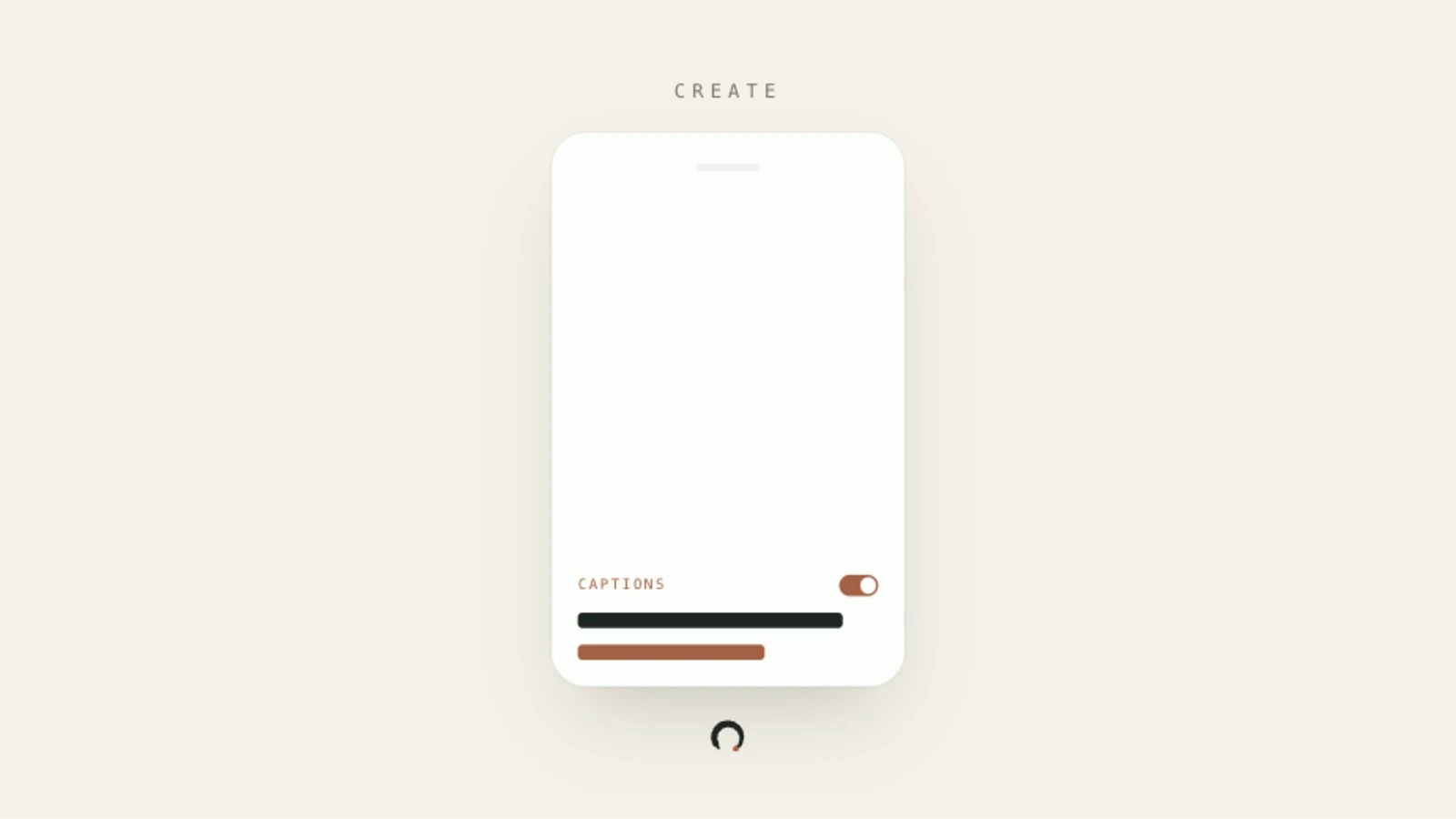
Tention auto-generates captions from the transcript of your in-app recording and burns them into the published video when you turn the switch on.
Create
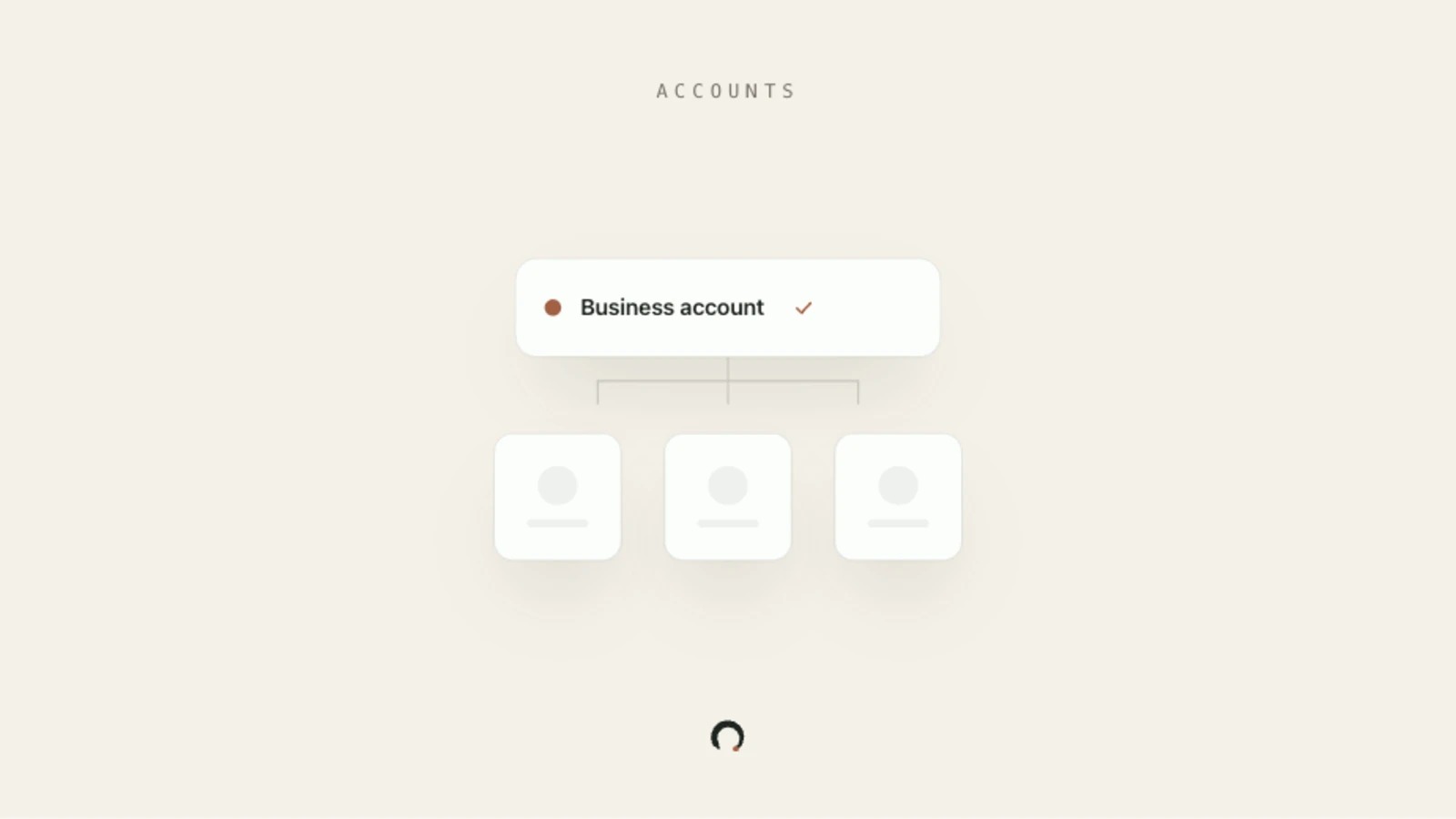
A business account is an admin layer. You invite creators, connect your brand's social channels, and approve content before it goes live. You never post from the business account itself.
Accounts
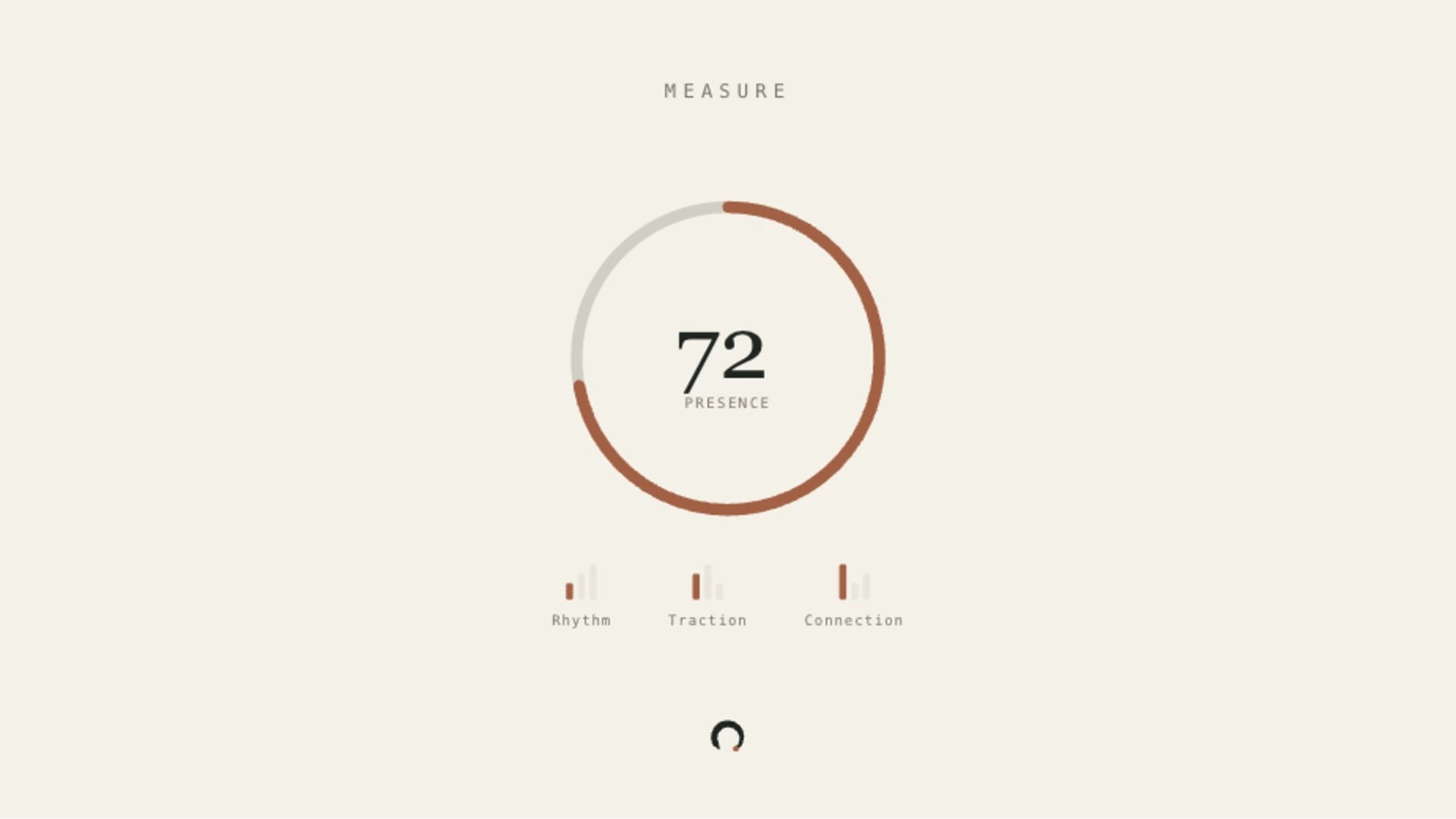
See a single self-relative Presence score and three contributing signals (Rhythm, Traction, Connection) that show how your content is landing across your connected social accounts.
Measure
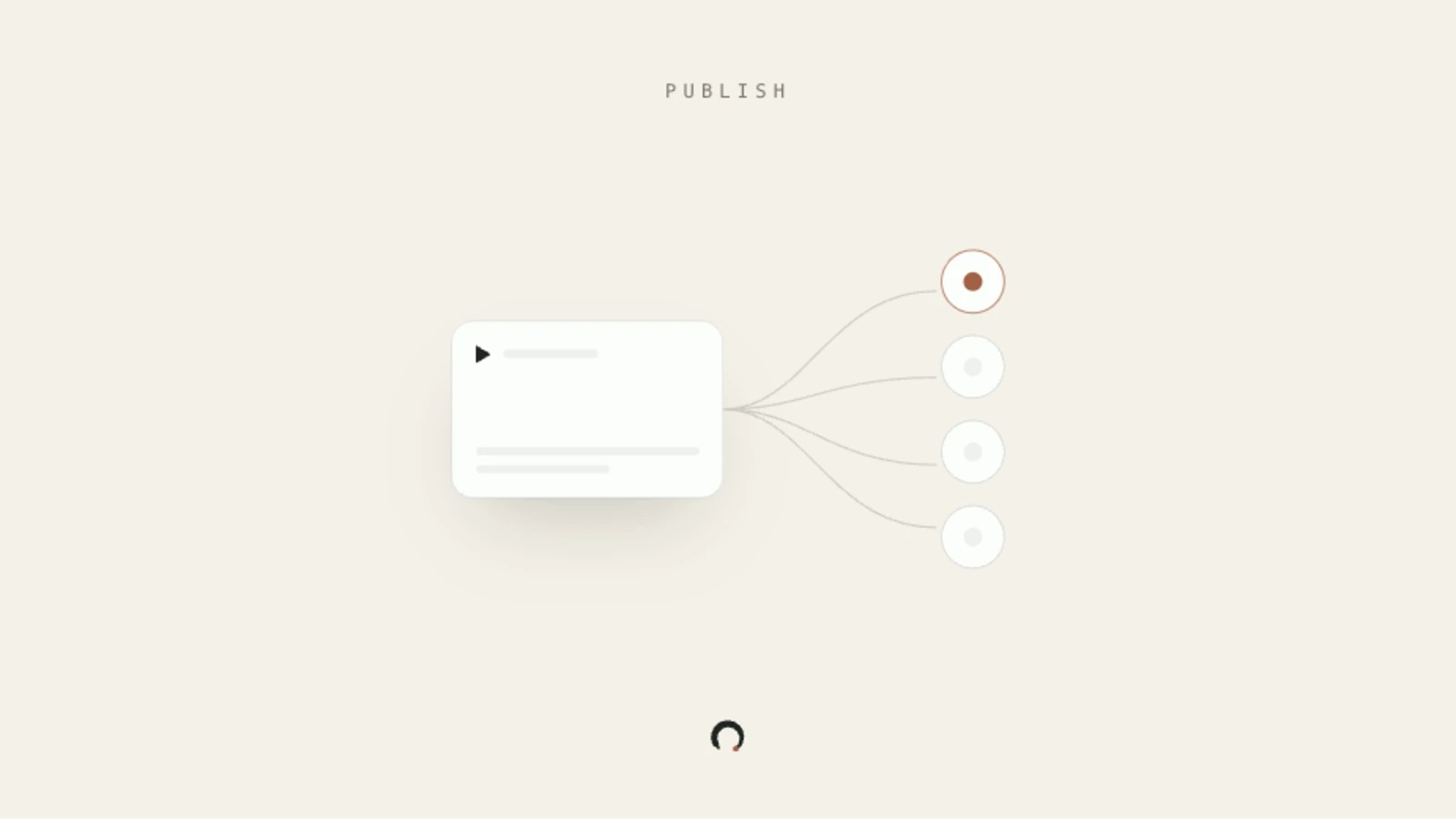
Queue a filmed take to your channels from the web calendar or straight from your phone. Schedule it manually, let Tention auto-schedule, or post in 5 minutes.
Publish
Control how many times per week Tention publishes for you, which hours it stays silent, and how each connected platform is paced.
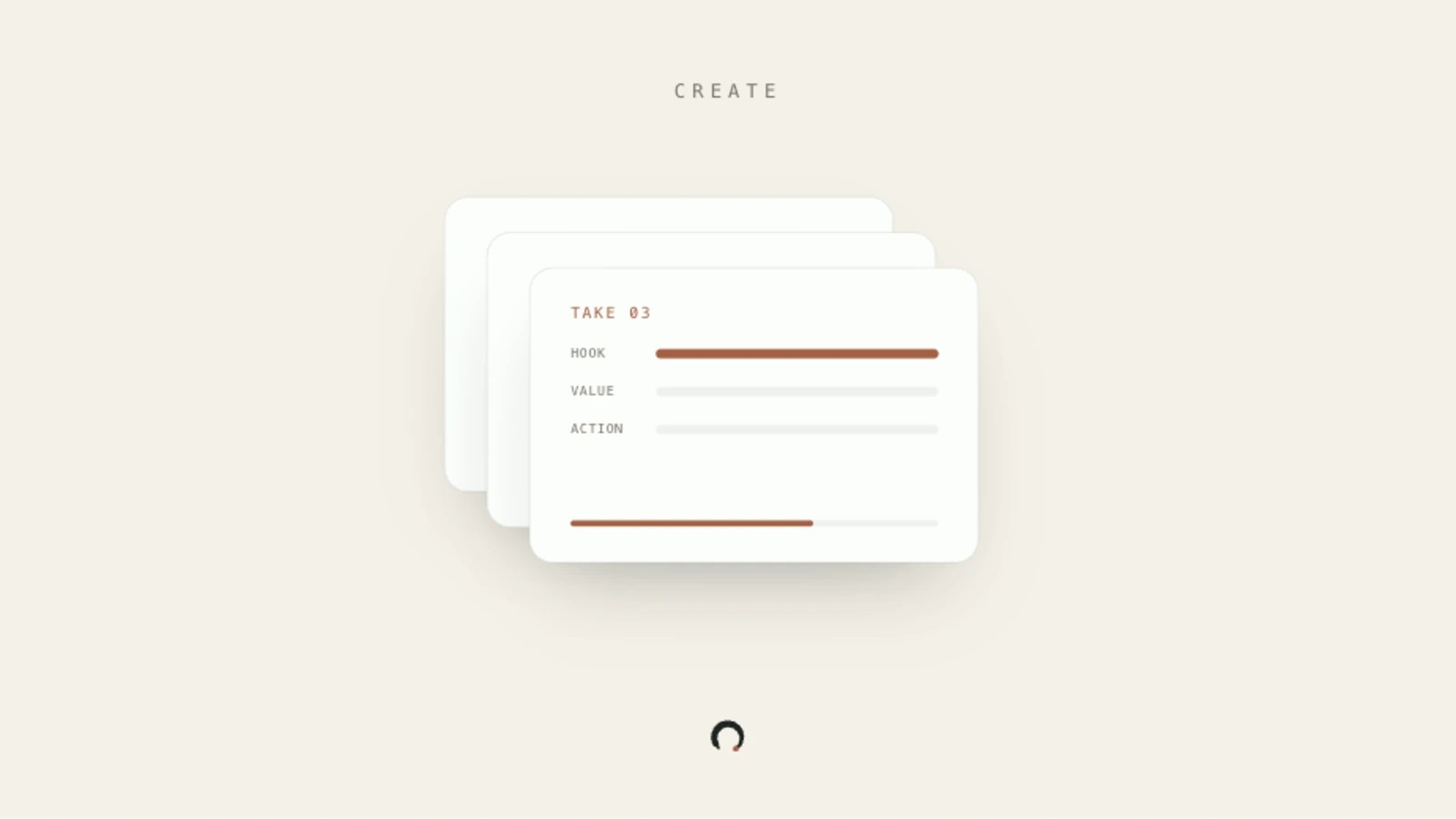
Plan each take's hook, value, and action beats before filming, then use the library's Saved shelf and progress funnel to batch a full filming session in one go.
Browse, plan, upload, and review all your content in one place, grouped by type and lifecycle stage.
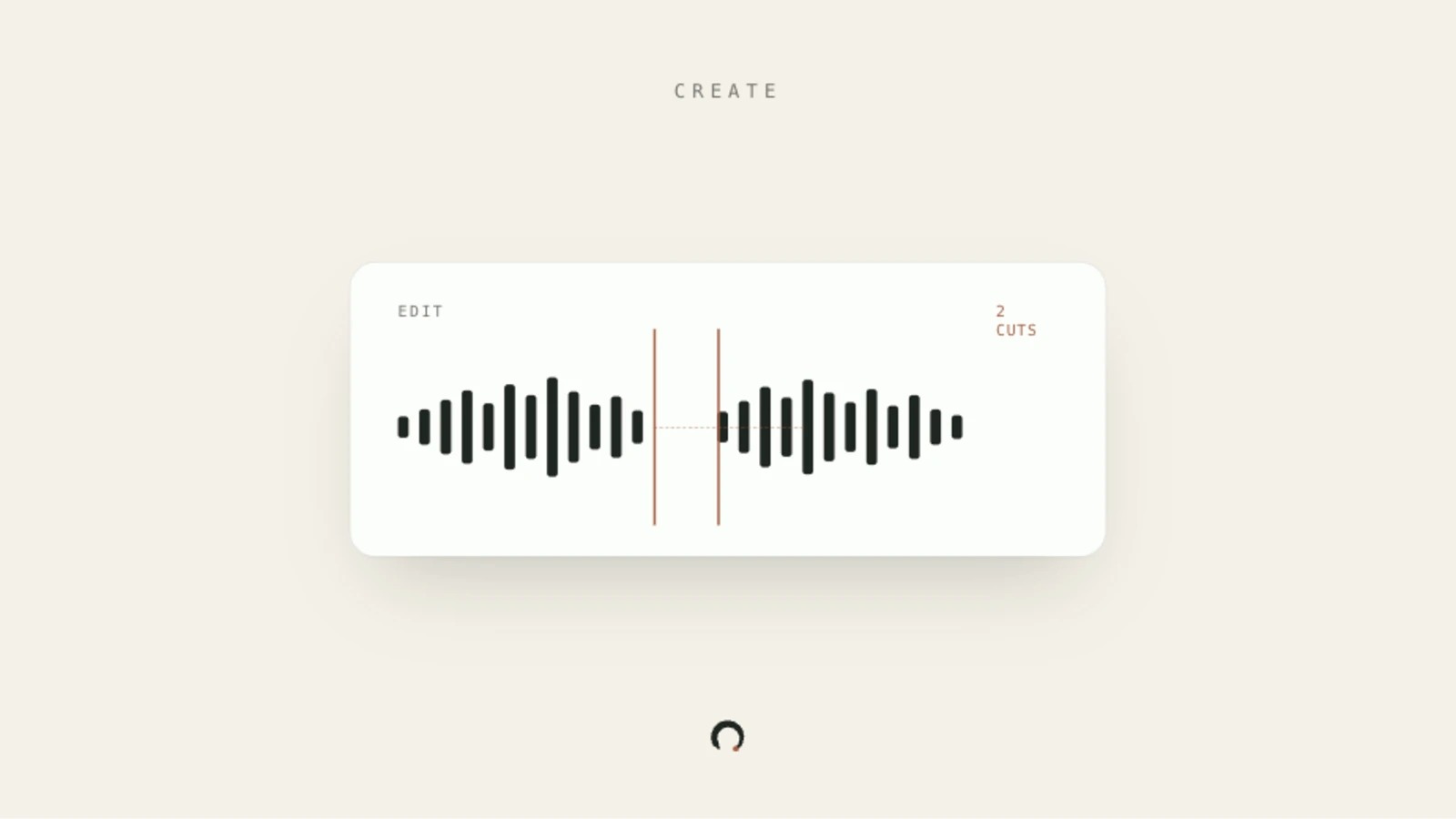
Tention automatically removes filler words and cuts long silences from your recording. You control how tight the cuts are.
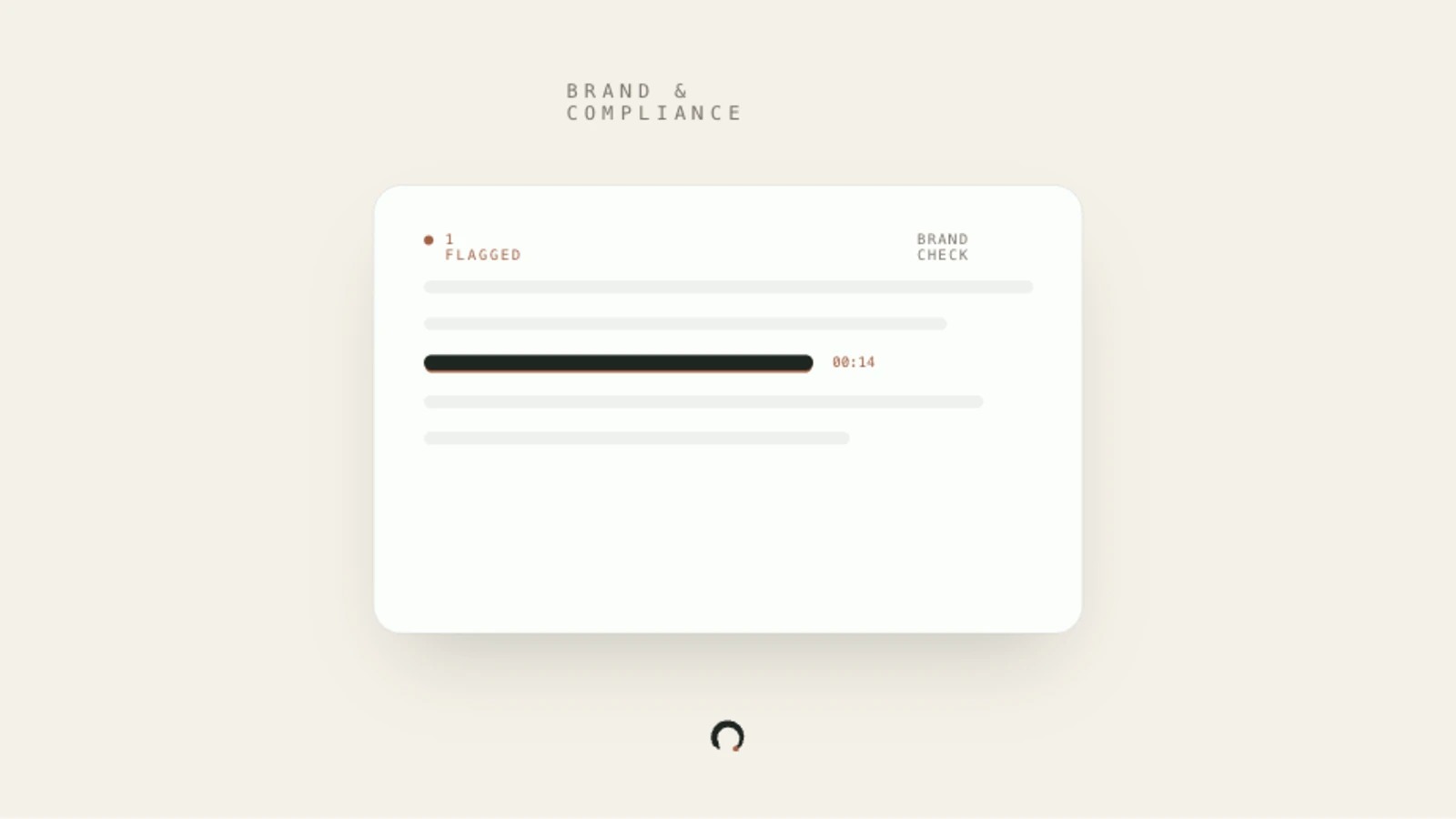
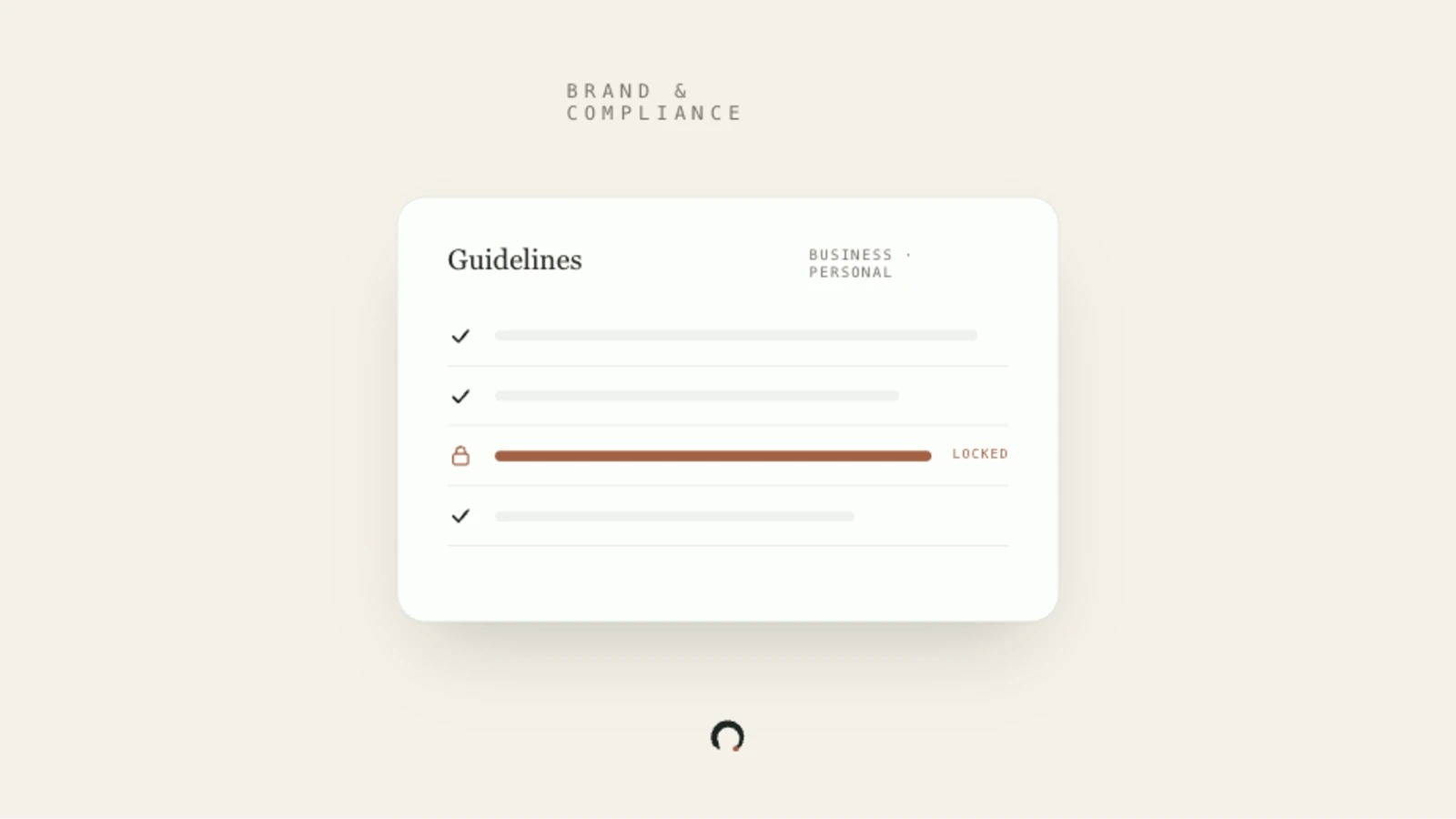
Run an AI-powered brand check on a filmed take, matching the video transcript against your Business and Personal guidelines to surface flagged quotes with timestamps.
Brand & compliance
Write a quick Hook, Value, and Action before you record, so you stay on track. You can read your plan on screen while you film, like a teleprompter.
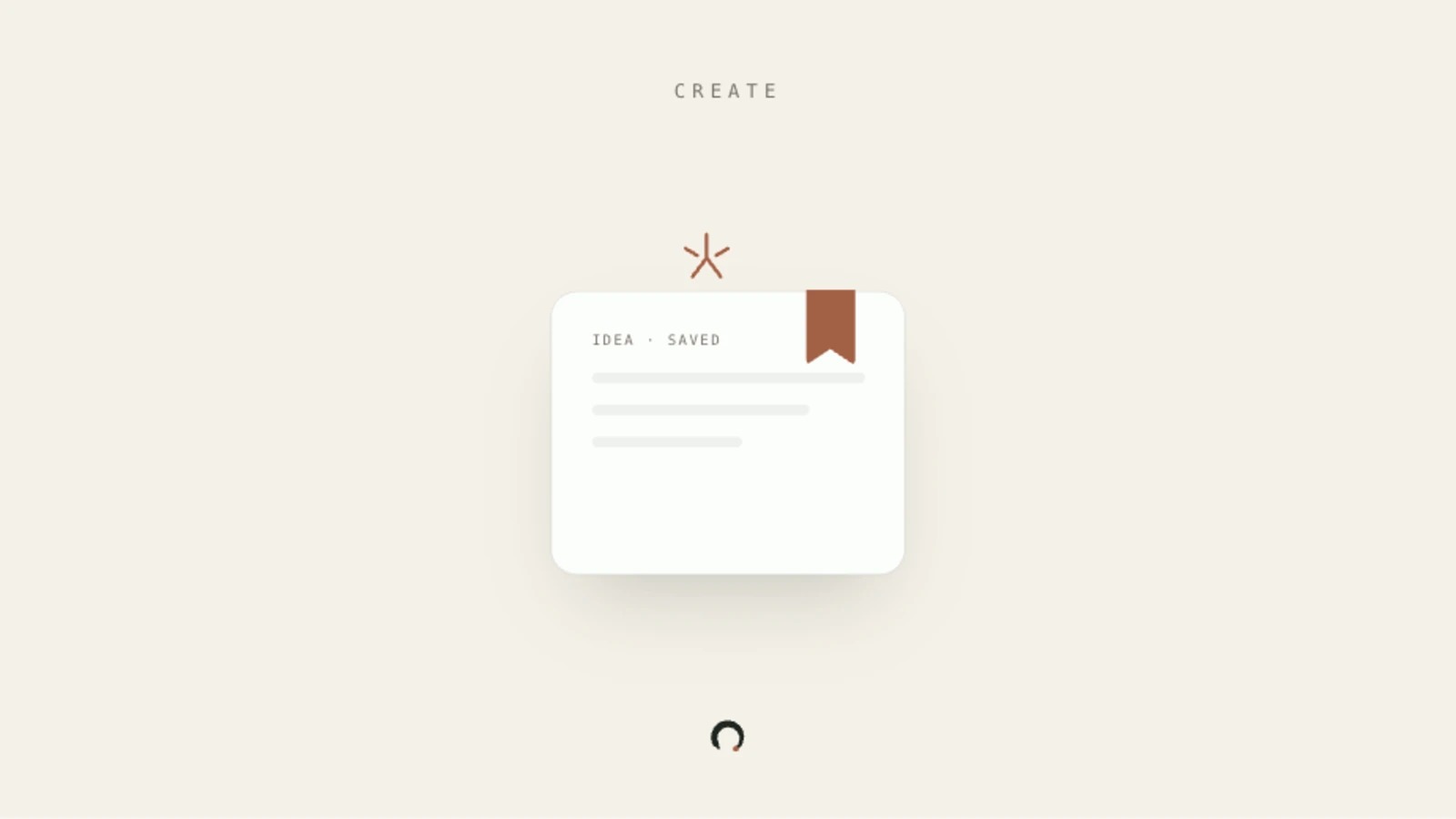
Save a content idea to your library, from a feed question, a trending article, or your own words, so it waits until you're ready to record.
Pick a question from your daily feed, film your video answer in the mobile app, pass the brand check, and save the take to your library ready to schedule.
Add brand rules so every take gets checked before it goes out; Business admins can push locked rules to every creator in their organisation.
Link Instagram, TikTok, YouTube, Facebook, Pinterest, Threads, LinkedIn, X, or Google Business to Tention so the scheduler can publish your takes automatically.
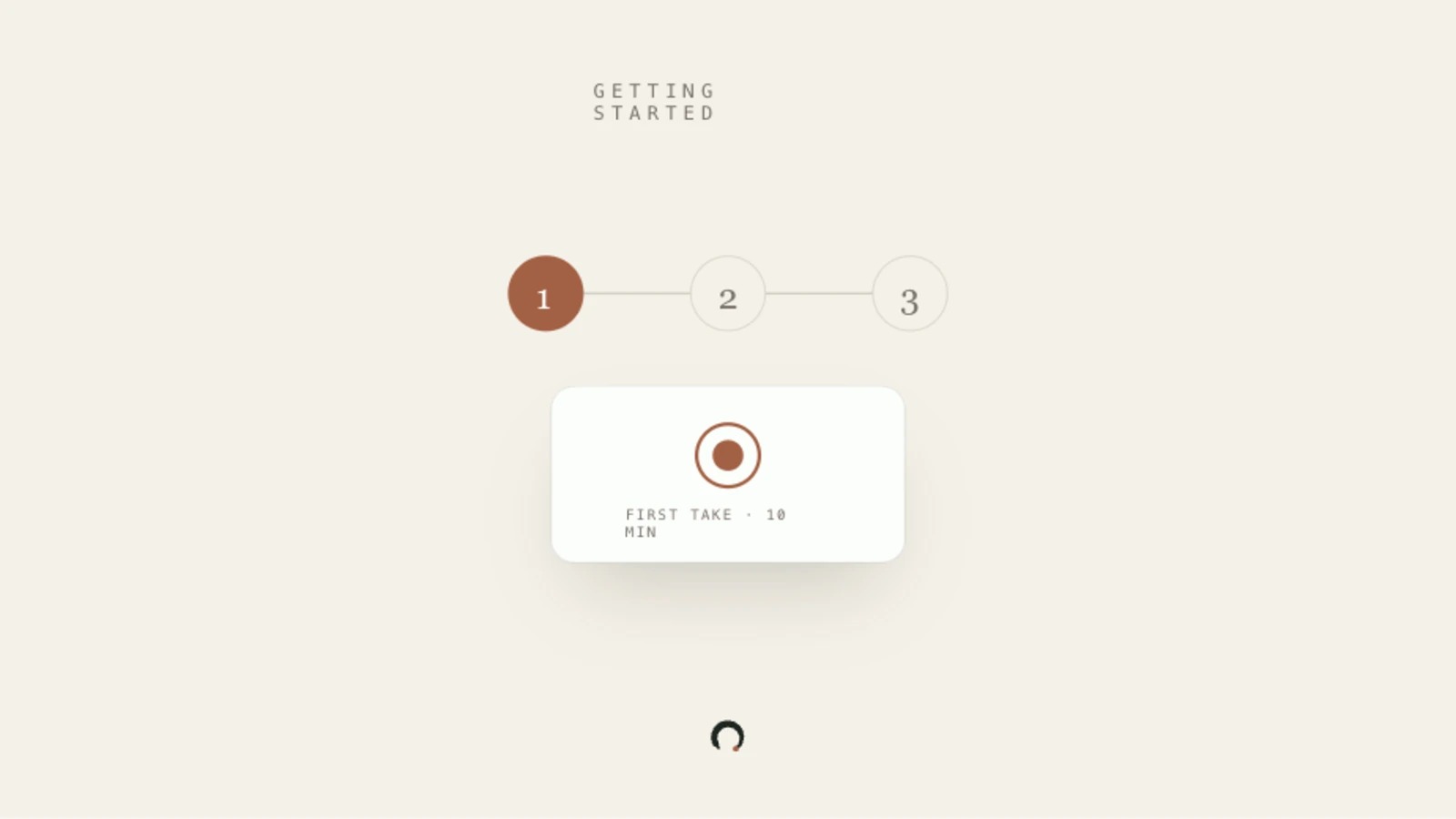
Create your Tention account on mobile and capture your first video take against a feed prompt in under 10 minutes.
Getting started
Upload your brand voice and the rules you work under, so every recording gets checked before it's public.
The shortest path from opening Tention to a recorded take, with nothing optional in the way.
One question a day. Filmed with you, checked against your guidelines, posted everywhere.